2000+ organizations trust our AI-based writing tools
- BMW Group
- European Union
- Spiegel Magazine
- Deutsche Presse-Agentur (dpa)
- Deezer
- TÜV Süd
- Algemeen Nederlands Persbureau (ANP)
- Heise
- Max-Planck-Gesellschaft
- Blinkist
- Bertelsmann Stiftung
- Schweizer Radio und Fernsehen (SRF)
- Kronen Zeitung
- JetBrains
- IP Australia
Try the LanguageTool Editor for a Better Writing Experience
Create your free account
- Distraction-free writing experience
- Personal Dictionary
- Statistics help you stay on the write path
- Texts are securely stored
- Access even more suggestions for advanced punctuation, style, and typography with the “Picky Mode”
- Choose between dark and light appearance
Our Browser Add-On Works Anywhere on the Web
Receive tips on how to improve your text while typing an e-mail, a blog post, or just a simple tweet. Whatever language you’re using, LanguageTool will automatically detect it and provide suggestions. To respect your privacy, no text is stored by the browser add-on.
Over 1 million users trust LanguageTool with their writing
Top-rated grammar checker for Firefox with over 1 million users
Over 4 million users trust LanguageTool with their writing
Top-rated grammar checker for Chrome with over 3 million users
Do you speak a foreign language?
The Most International Writing Tool
There are over 7,000 languages and various multilingual countries in the world. LanguageTool helps as an international spell checker in several languages, including:
+ more than 30 other languages and dialects
Reach Your Potential With Statistics
This feature helps you stay consistent with your writing by tracking your productivity. It also provides an overview of languages used, errors made, and suggestions applied, so you can see for yourself how your writing skills have improved.
Integrates With Your Favorite Office Program
Get the best out of your docs and deliver error-free results, whether you’re working on a dissertation, essay, book, or you just want to note something down.
-
Get it
Google Docs Add-on
Check all your texts in Google Docs for grammar and spelling mistakes with LanguageTool's browser add-on.
-
Get it
macOS App for Microsoft Word
LanguageTool for macOS allows you to check text in Microsoft Word and most of your favorite Mac apps.
Text checking for LibreOffice
Correct Spelling
Do you fall victim to typos and misspellings way too often? LanguageTool finds every mistake and underlines it in red. Spell every name, phrase, and word the write… eh, the right way!
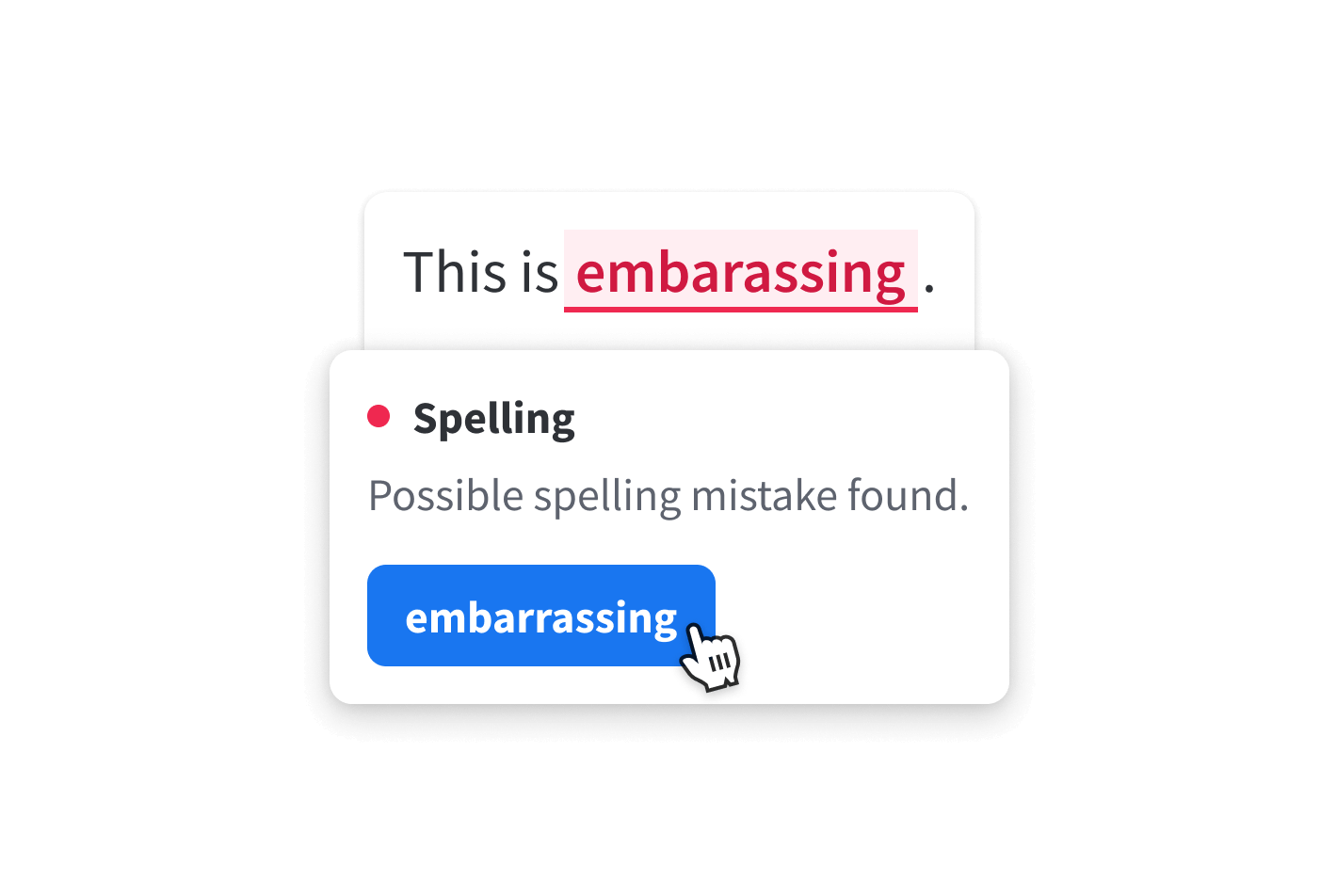
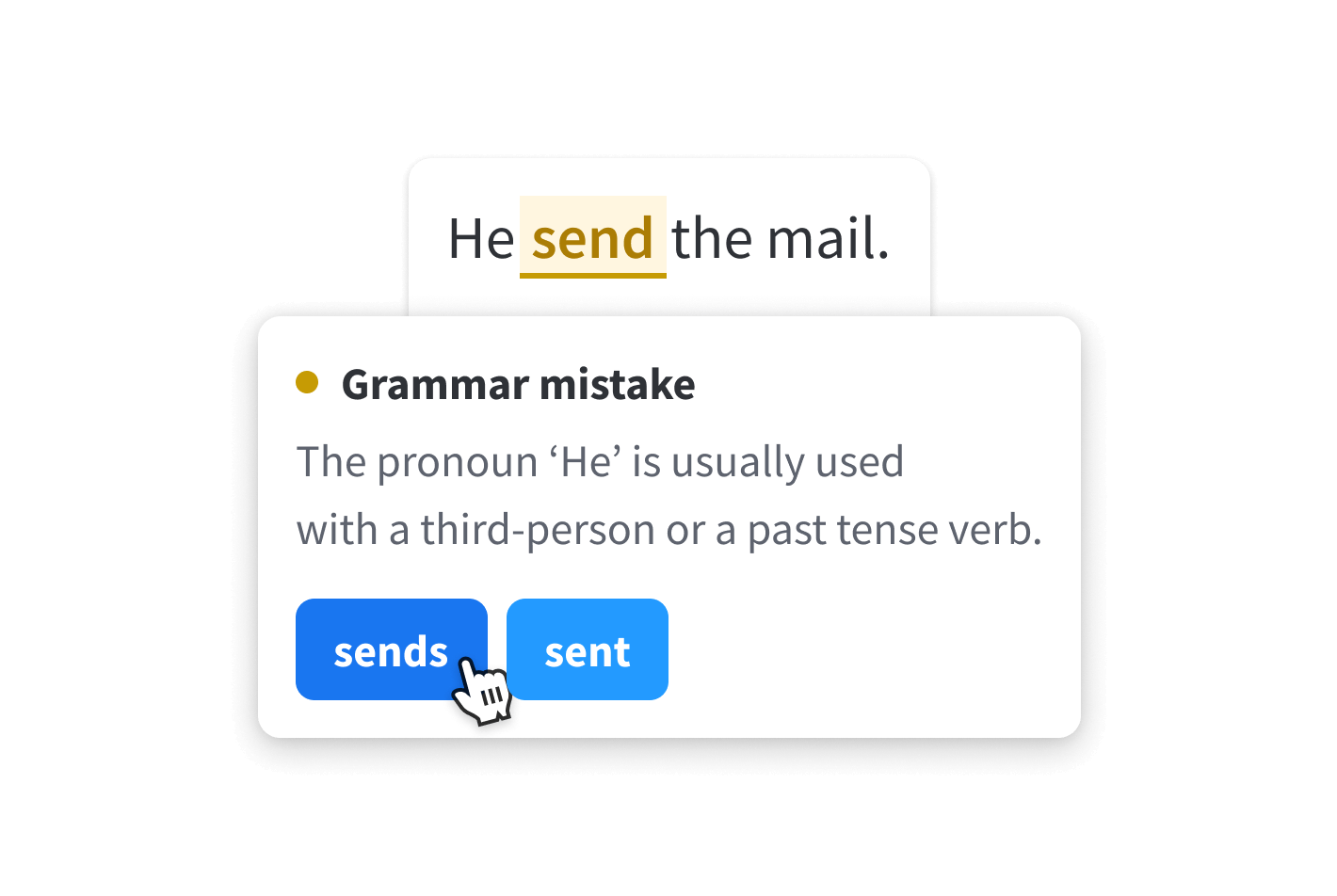
Check Grammar
Grammar rules have never been so easy! LanguageTool will help rid your writing of all grammar gaffes, like incorrect subject-verb-agreement, wrong plural forms, or misuse of grammatical forms.
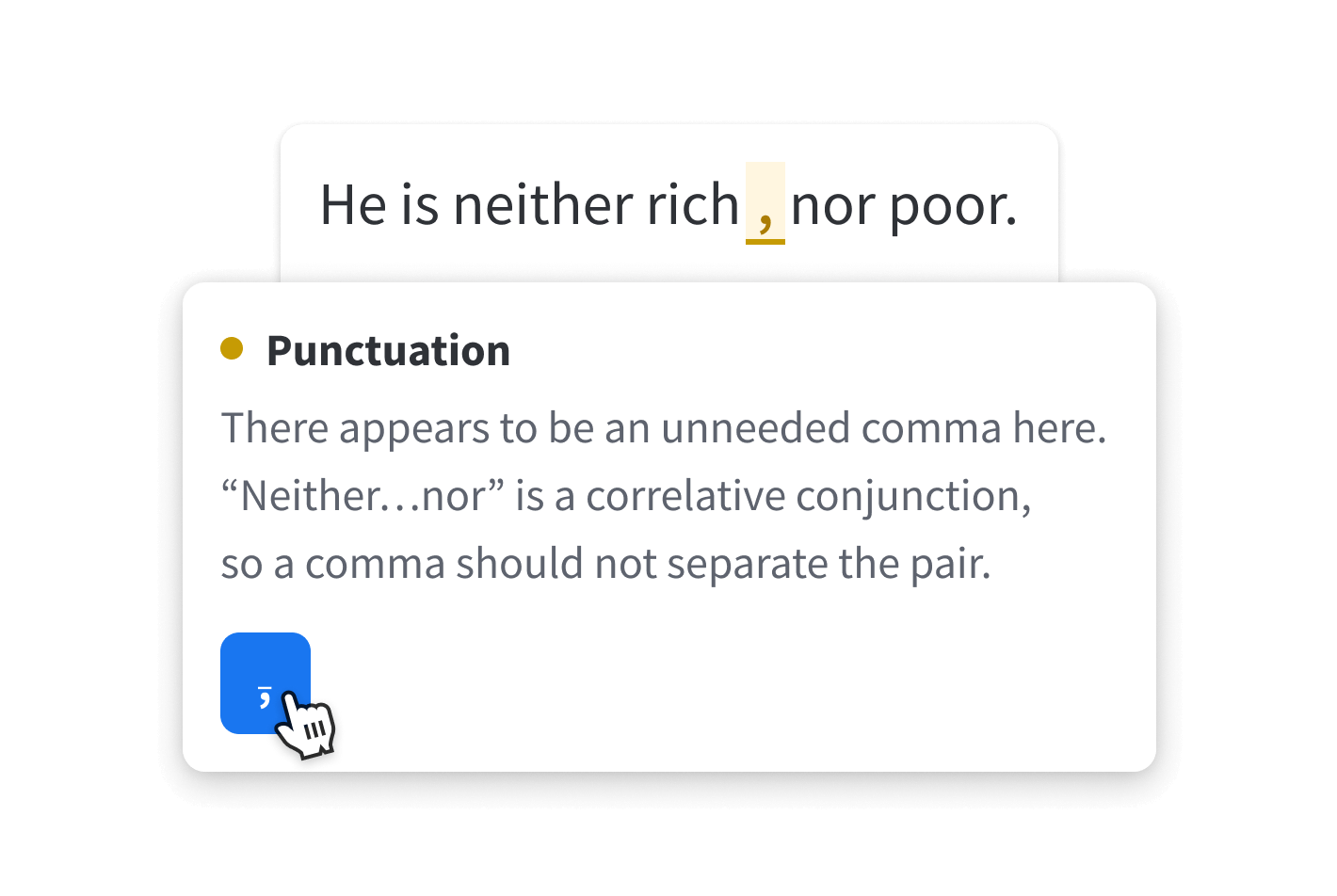
Fix Punctuation
Commas and dashes and hyphens… Proper punctuation can be tricky—LanguageTool ensures you’re using them right. It can even help you form complex sentences and tell you when you’ve used too many exclamation points!
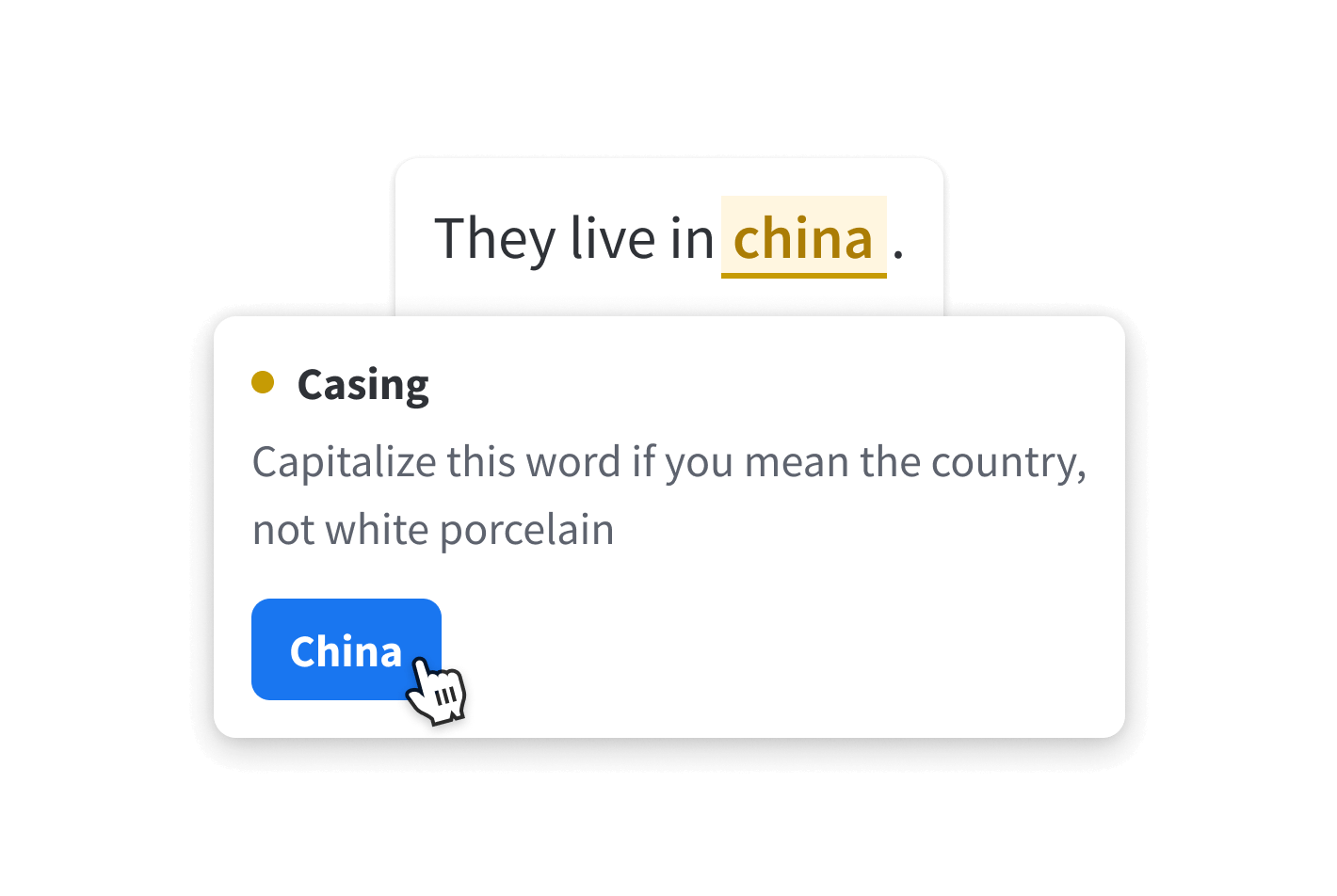
Confirm Casing
It’s all about the capital, right? And the lowercase letters, too. LanguageTool corrects incorrect casing, whether you’re writing capitalized names, months, places, or national identities.
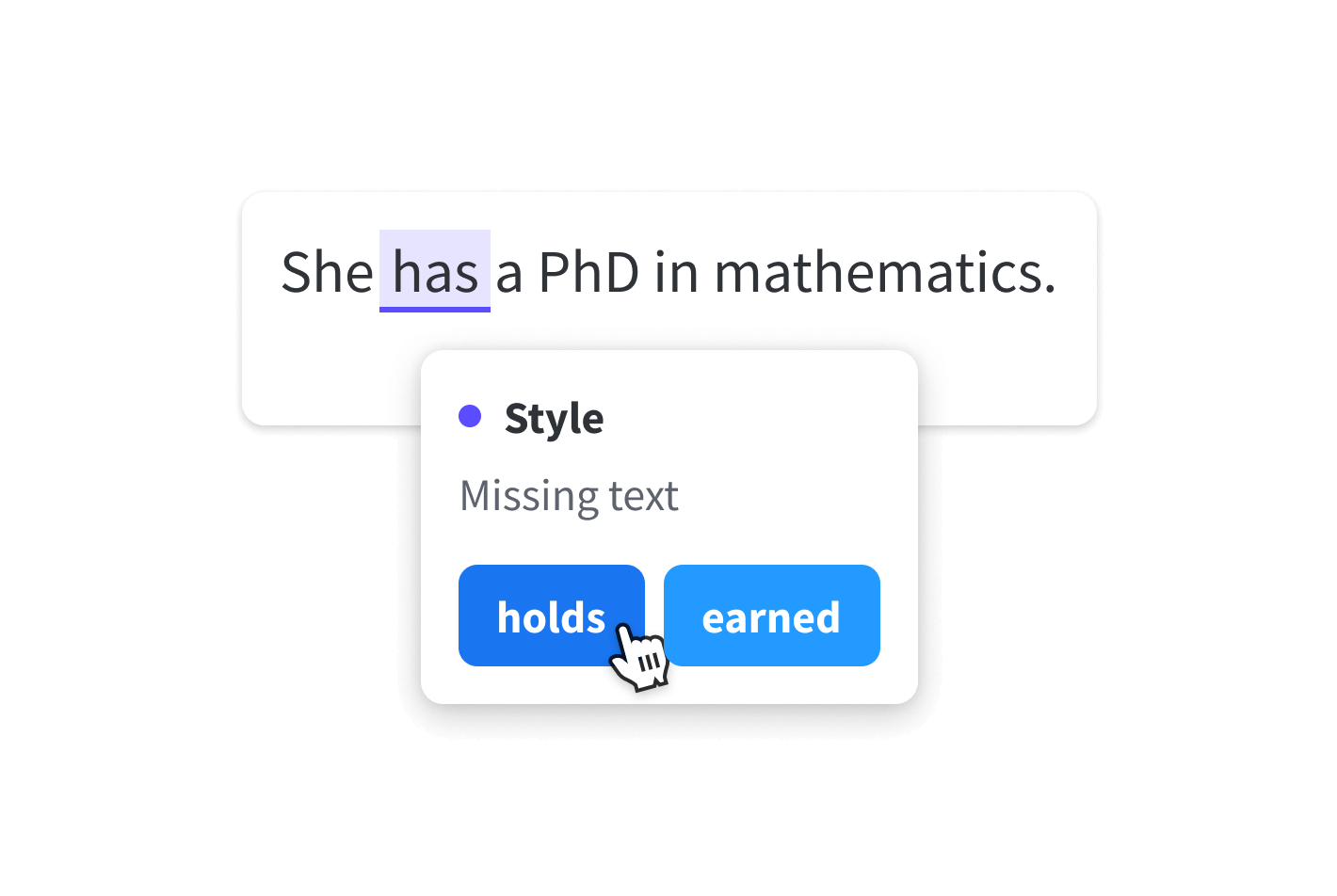
Improve Style
LanguageTool helps your writing be as stylish as you are by detecting overused phrases, foreign terms, redundant words, and improper word choice. All you have to do to find the best style is look out for the blue underline.
Paraphrasing Tool
Looking for the right words? LanguageTool's paraphraser makes them easier to find by using artificial intelligence to rephrase your sentences to be more formal, fluent, simple or concise.
Paraphrase Text Read more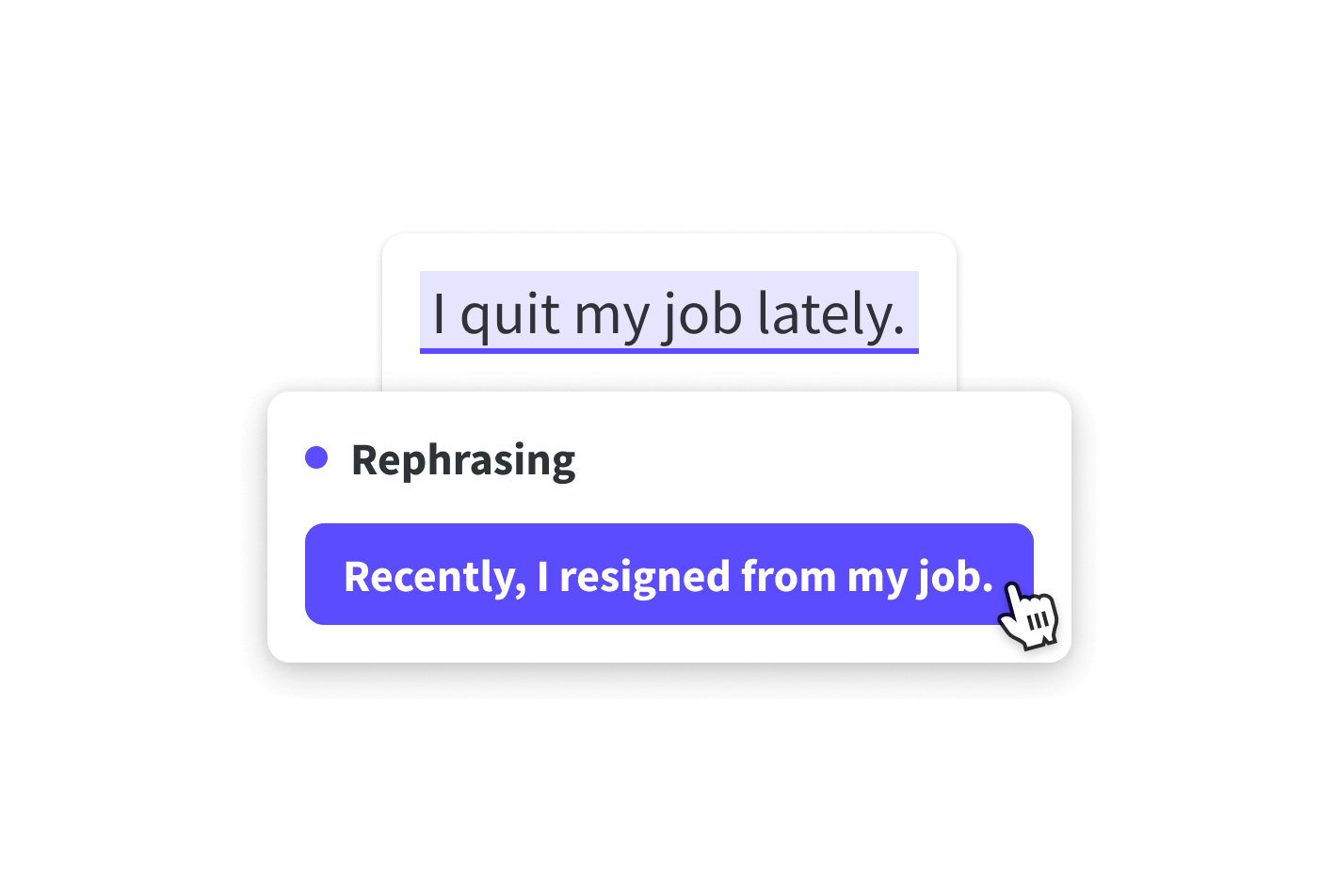
What else?
Frequently Asked Questions
Make your text sound professional and avoid embarrassing style, punctuation, and grammar mistakes
Is LanguageTool a comprehensive grammar checker?
Yes, LanguageTool is a powerful tool that goes beyond simply checking for spelling errors. It's a comprehensive writing assistant that offers in-depth analysis of your text, including grammar checks, word choice suggestions, and even style recommendations. Think of it as your personal grammar and spell checker, helping you craft polished and professional content.
How well does LanguageTool grammar checker detect comma errors?
LanguageTool, a powerful grammar checker excels at identifying and correcting punctuation errors, including commas. Its punctuation checker can differentiate between optional and required commas, ensuring your writing is polished. Plus, it can handle even the most complex sentence structures with its advanced comma check.
How does error detection and correction by LanguageTool work?
The error display and suggestion cards are shown automatically and directly while typing. This means that texts can be checked and corrected in just a few moments. To see synonyms, simply double-click on any word.
Read moreWhich languages can be checked with LanguageTool's grammar checker?
Is LanguageTool free?
LanguageTool is available in two versions. The free version corrects spelling as well as simple punctuation and some style mistakes. Only the Premium version will show you all errors and give you the best possible text. Team accounts for companies are also available.
Read moreDoes LanguageTool work on my program?
LanguageTool is not bound to a specific program or website. There are several extensions and add-ons available, so it can be used in all common internet browsers. In addition, you can find a dedicated text editor as an app for iOS, macOS (Apple), and Windows. All you need is just one user account.
Read moreIs LanguageTool suitable for paraphrasing sentences?
LanguageTool now offers an A.I.-based paraphraser in addition to correction. This can help you to rewrite entire sentences to make them simpler, shorter, or more formal.
Read moreCan LanguageTool help me correct a bachelor or master thesis?
If you have to write a term paper, bachelor thesis or master thesis at a university, LanguageTool can help you to be sure that it is free of errors. The writing assistant’s style check is also particularly helpful for other academic texts in schools or at publishing houses. By the way, students get a discount for LanguageTool.
Read moreUnleash the professional writer in you with LanguageTool Premium
Go well beyond grammar and spell checking, and impress with clear, precise and stylistically correct writing.
Learn more